

You shouldn’t have to play roulette when picking business software that will actually run on your laptop.
But you do. Software buyers make decisions based almost exclusively on features and price point. They rarely, if ever, consider compatibility with existing hardware and infrastructure.
Why does everything come to a grinding halt?
Selecting software because it’s packed with features only to find out it can barely run on your laptop…
Here’s the problem.
Mid-range laptops account for 37% of laptop sales worldwide. In other words, one out of every three laptops is destined to run business applications that weren’t designed for lower-end machines.
Luckily, you don’t need the latest-and-greatest laptop to run powerful business software. You just need to know what to look for.
What you’ll discover:
- Hardware compatibility is more important than you think
- Match demand planning software features to laptop specs
- Demand planning collaboration isn’t optional
- Lightweight features that let software run smoothly
- Wrap up and take action
Hardware Compatibility Is More Important Than You Think
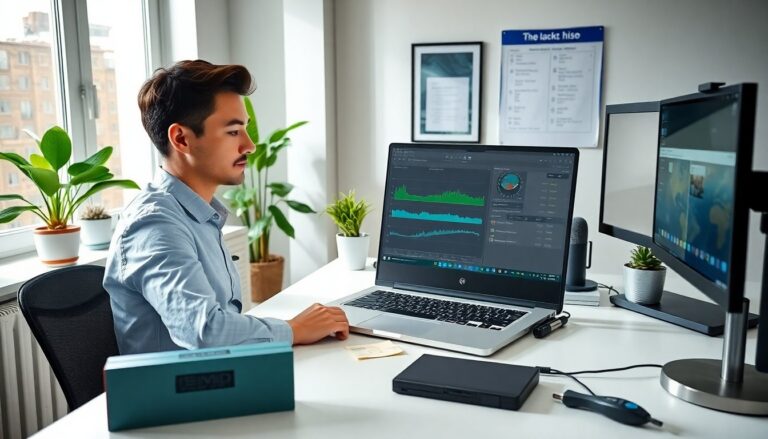
The average mid-range laptop is equipped with an Intel Core i5 (AMD Ryzen equivalent) processor, 8GB of RAM and your garden variety SSD. Nothing fancy. That’s plenty of power for most consumers who are using their laptops for school assignments or watching movies.
But business software, especially tools your teams need for demand planning collaboration, inventory management, etc. are not school assignments or movies.
Demand planning software needs to crunch large amounts of data in near-real time. If your laptop can’t keep up with the software… your laptop will be the bottleneck.
When your laptop becomes the bottleneck, this happens:
- Workflows slow to a crawl (things that should take minutes take hours)
- Teams grow frustrated dealing with laggy software
- Staff starts skipping important steps to work around slow software
To avoid this mess, make sure you read the minimum system requirements for any software you’re considering. If it requires 16GB of RAM and a dedicated GPU… it’s never going to run well on a mid-range laptop.
Match Demand Planning Software Features To Laptop Specs
Believe it or not, this is where most software buyers go wrong.
They pick software because it does what they want and completely disregard their hardware limitations.
Here’s what to look for when picking software that will actually run on YOUR laptop:
Amount of RAM software used. If your teams are working on older laptops with only 8GB of RAM, you’ll want to focus on cloud-first software that minimizes RAM usage.
Processing power. Real-time demand planning collaboration software needs to be able to process large amounts of information quickly. Focus on platforms that offload much of the data processing to the cloud rather than leaning heavily on your laptop’s CPU.
Disk space requirements. Do you really need a bulky platform that requires several GBs of space installed on your laptop? Or will a browser-based solution work? Know what you’re getting into before you download anything.
The easiest way to know if software will run on your team’s laptops is to trial the software directly on their laptops. Don’t just take the manufacturer’s word for it – test it out for yourself using real data your teams will be working with.
Demand Planning Collaboration Isn’t Optional
If your team relies on software to share demand forecasts, keep inventory levels optimised or make pricing decisions… that software needs to handle more than just presenting data on a webpage.
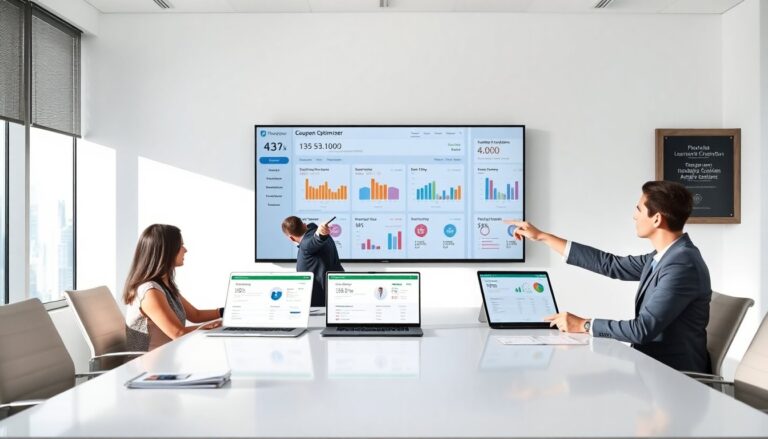
Demand planning collaboration puts heavy loads on any software system. Those collaborating on forecasts need to see live updates, work simultaneously without crashing the software and run “what-if” scenarios without waiting several minutes for data to refresh.
There are proven demand planning solutions available for every type of demand planning challenge. These tools let you run demand planning collaboration scenarios without investing in high-end hardware.
Now consider this…
Approximately 65% of laptop purchases globally are the direct result of people working remotely or in hybrid environments. The days of everyone staring at the same server rack are long gone.
Software has to run on everyone’s laptop. From the CEO in the corner office to the intern working from home in a rented apartment in Bali.
Software you should be looking for features that:
… allow teams to collaborate on demand planning from different locations easily and without lag.
That means finding platforms built specifically to be lightweight without sacrificing advanced functionality. Cloud-first platforms are naturally going to perform better on entry-level laptops than traditional software installed locally on every machine.
Lightweight Features That Let Software Run Smoothly
Okay, let’s say you know you want cloud-first, browser-based software that won’t bog down your laptops.
What else should you look for?
Software today is too often bloated with “cool” features that in reality, slow performance and annoy your teams.
Here are a few must-haves that will actually let your software run smoothly on older laptops:
- Cloud-based architecture. The heavy lifting should never be done by your laptop’s CPU. Push as much work as possible onto remote servers.
- Browser-based. Don’t make your teams download, install, and maintain software on every laptop. It shouldn’t take up any storage space on your laptops either.
- Efficient data loading. Software should show you only what you need, when you need it. Not dump an entire database into your browser upon loading.
- Low background resource consumption. Open the task manager on your laptop and see how much CPU and RAM the software uses while idle. Resting should consume minimal resources.
- Fast load times. Webpages should load instantly and links/buttons should react when clicked. If your internet connection is good and the software takes a long time to respond, that’s on the vendor.
Remember: SOFTWARE SHOULD MAKE YOUR TEAM’S JOB EASIER.
Not force them to waste time waiting on slow technology.
Wrap Up And Take Action
Want software that runs well on mid-range laptops?
Here are your takeaways:
- Know which laptops your team is running. CPUs, RAM, Storage, internet speed all play a factor
- Trial the software on actual laptops your teams will use. See how it performs UNDER REAL CONDITIONS.
- Focus specifically on cloud-native solutions.
Bonus tip: call the software vendor and ask them directly how their software performs on entry/mid-level laptops. Any reputable software vendor will be honest with you.
Wrapping It Up
Deciding on business software your laptops can actually run is simple. But it does require doing your due diligence.
Understand what hardware your team is working with first. Then evaluate software options that are specifically designed to run on entry/mid-level laptops.
Here’s your checklist once again:
- Know your team’s laptop specifications
- Trial software on actual laptops
- Install nothing on your laptops (unless absolutely necessary)
- Focus on cloud-based solutions
Businesses who listen to their teams and provide them with technology that works will save time, reduce headaches and truly enjoy the fruits of their software investment.
Businesses who don’t listen watch valuable time and money slip through their fingers as nothing more than missed opportunities.
Don’t be that business. Empower your teams with the right tools.